Graspable 0.18: films you can step into
Animate a scene with your agent, publish an immersive film, or put a rescue game on your table. Graspable 0.18 adds tabletop AR and Claude subscription sign-in.
Michal Takáč 3 min read
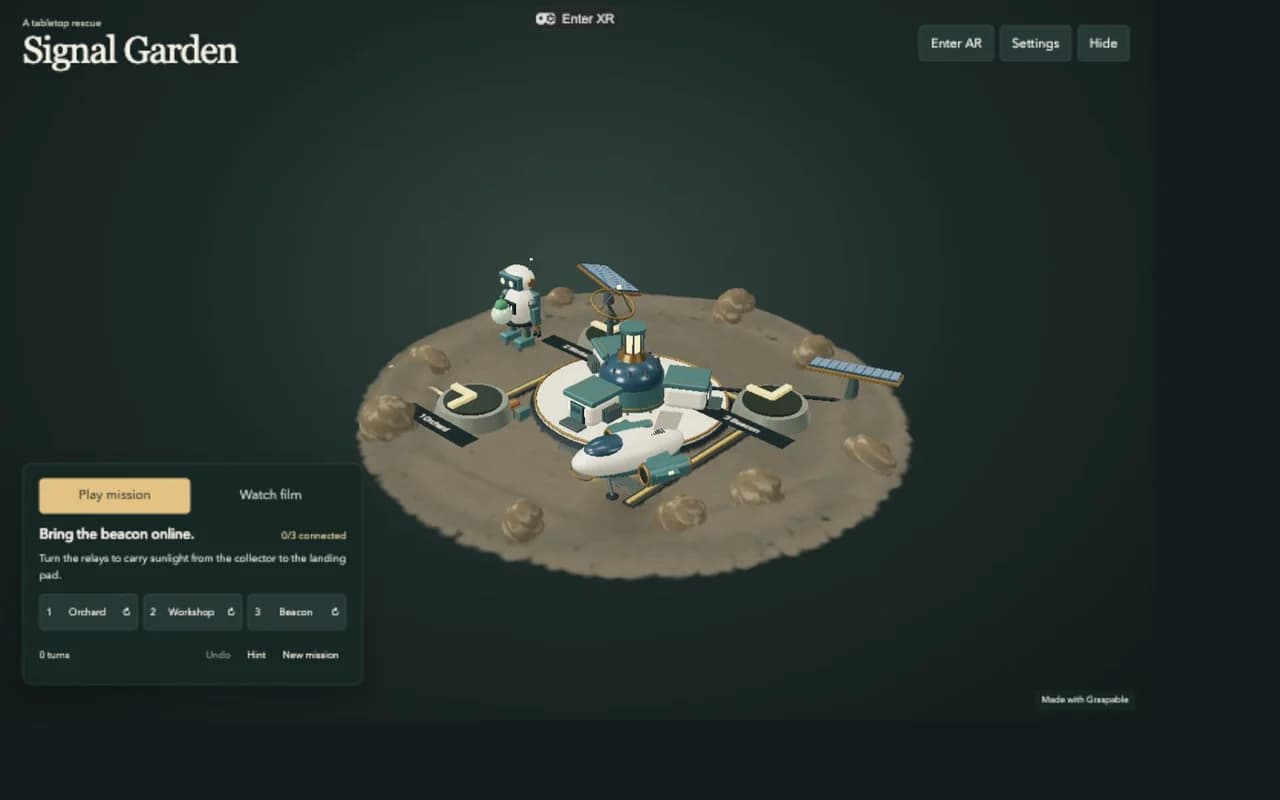
Graspable 0.18 brings the animation work from the recent releases together with two new AR templates. You can make a film, keep its scene editable, and let someone walk around it on their phone or in a headset.
A film and a game on your table
Signal Garden starts with a stranded courier and a landing beacon that needs power. Watch the 90-second rescue film, or turn the relays yourself to guide sunlight to the landing pad. Hint helps when you get stuck; Undo lets you try another route.
Try Signal Garden in your browser.
The robot, courier, camera shots and score are part of the project. Change the route or timing, replace the models, or ask the agent to write another mission. The rocky terrain uses a small, synthetic Gaussian scene alongside the animated models.
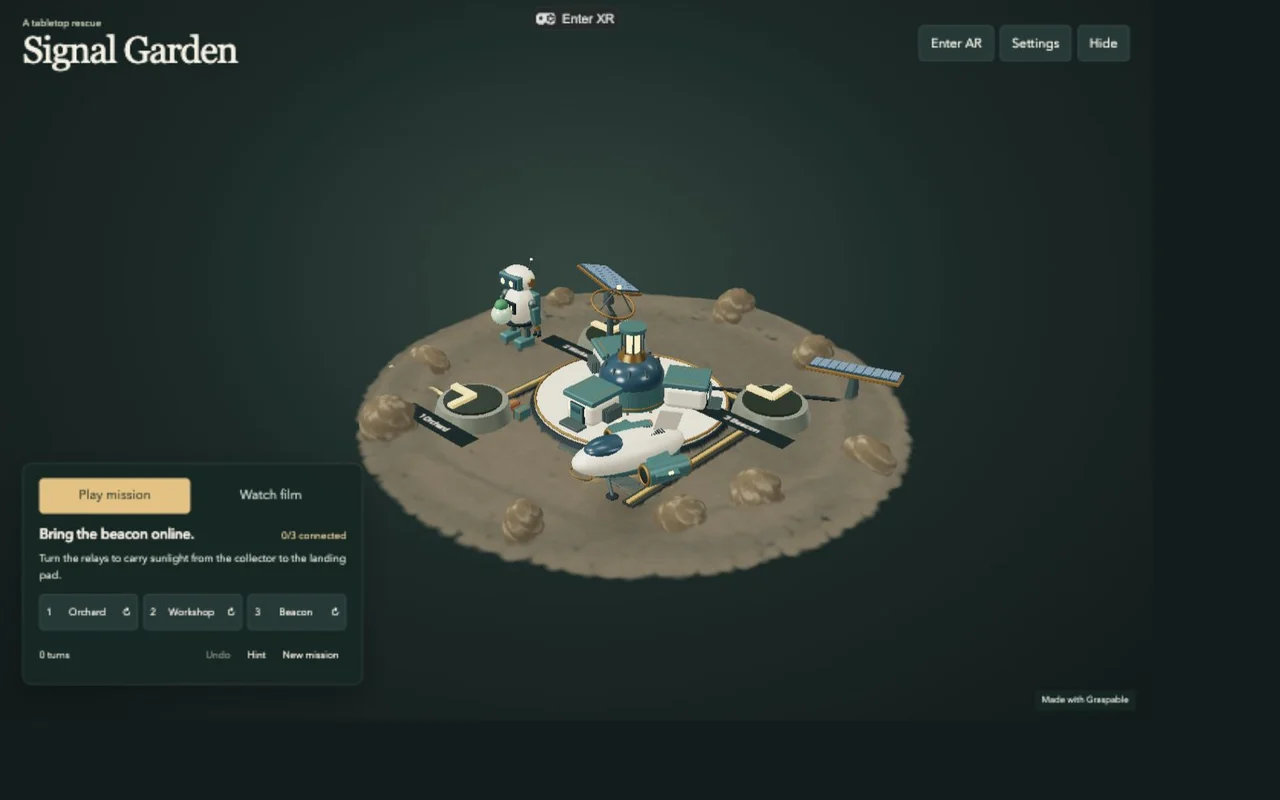
Choose Tabletop AR for the browser version. Supported Android browsers and Quest use WebXR; iPhone Safari tracks an included mat that you can print or open on another screen. If a headset cannot find a surface, the scene offers manual placement in front of you. That option does not detect a table.
Choose Unity AR tabletop for native apps. It includes separate phone and Quest configurations. The iPhone build uses surface tracking, so it does not need the mat.
We checked the native film and puzzle on an iPhone, including sound, placement and Undo. On Quest Browser, placement, playback and the floating Leave AR button worked in passthrough. The final fingertip and pinch changes passed simulator checks; their last hardware check is still outstanding. The native Quest build passed validation and installed, but we have not completed its headset playback check.
The AR guide covers placement, controls and platform requirements.
Edit with your hands, or ask the agent
In Animate, select an object, change its position, rotation or scale, and key a channel or the whole pose. Open easing controls beside a channel when you need them. Camera shots have editable opening and ending views; sound clips have trims, volume and fades.
Saved edits become context for the next agent request. You can adjust a gesture by hand, then ask the agent to repeat it across a scene without losing the edit history.
The filmmaking walkthrough shows the workspace and two playable films. It also explains scene exchange through OpenUSD and OpenTimelineIO, immersive exports, and the parts of XR editing that still need work.
Claude in the Graspable agent
You can now choose your Claude subscription within Graspable agent, keeping its project tools, approvals and edit history. This experimental option uses your local Claude sign-in. Your account allowances and extra-usage settings apply; the displayed budget estimate is not a bill.
Download Graspable 0.18, then choose a template to start. Tabletop AR is included with Builder and higher; Unity templates require Pro or higher. Viewing the scenes does not consume Credits.