How Graspable checks its own work
A run is not finished until the scene builds, loads in a browser and still passes the headset sessions you recorded.
Michal Takáč 2 min read
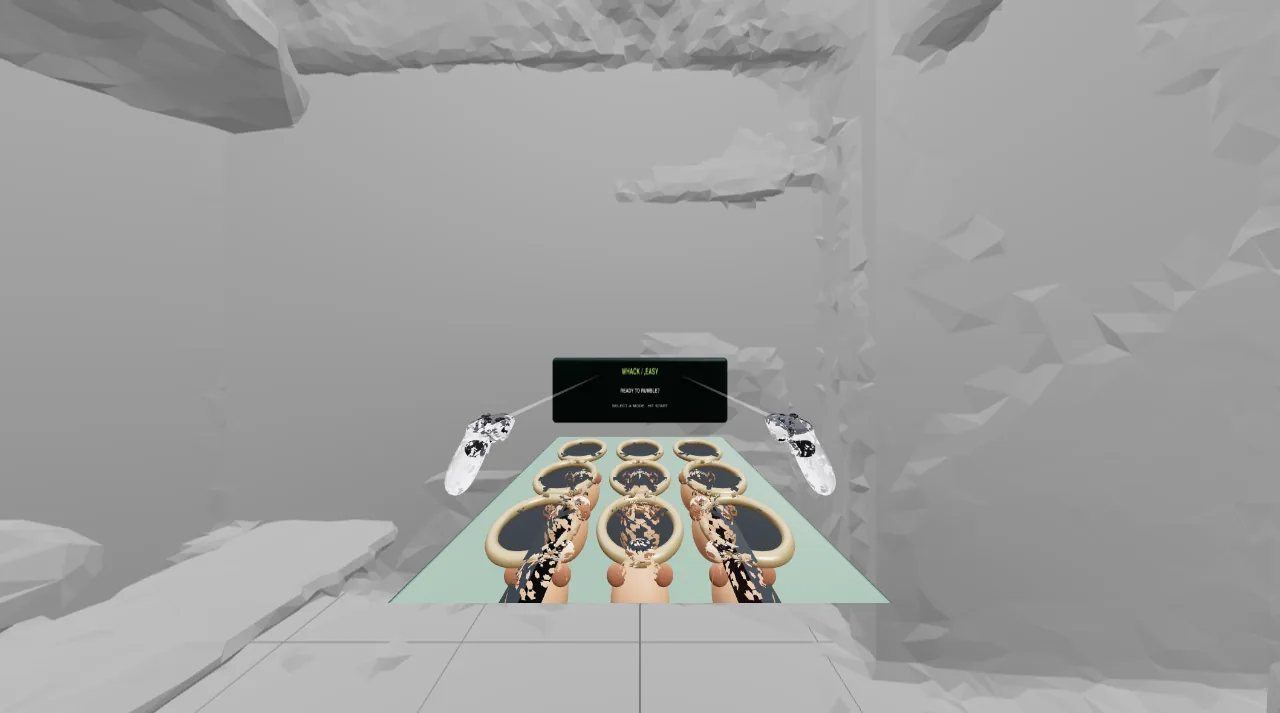
Anyone who has worked with a coding agent knows the moment. It says the work is finished. You open the result and the screen is blank.
We decided the agent does not get to decide when it is done. Three checks do.
1. It builds
After the agent stops, Graspable builds the project. A build error goes straight back to the agent with the message, and it tries again.
2. It loads
A scene can build and still crash the moment it starts. So the built scene is opened in a real browser on your computer, with no window, and watched for errors. You get a screenshot of what it rendered.
3. It still does what you recorded
This is the part that is special to headsets. In the emulated headset you can record a session: where you looked, what you pointed at, which buttons you pressed. Graspable saves it as a test.
After every later change, that session is replayed. If pulling the trigger used to place a point and now does nothing, you hear about it before you put the headset on.
Three tries, then you
When a check fails, the agent gets the error and up to three attempts to repair it. If it still fails, the run stops and tells you why. It does not loop forever on your account.
When the scene looks different from your recording, that is not treated as a failure. You are shown the difference and you decide: accept the new look, or ask for a fix.