Profiles, follows, likes and collections
Graspable has a community side now: a public page for what you have made, people to follow, apps to like and keep in collections, and a gallery of everything public. Here is what each part does.
Michal Takáč 3 min read
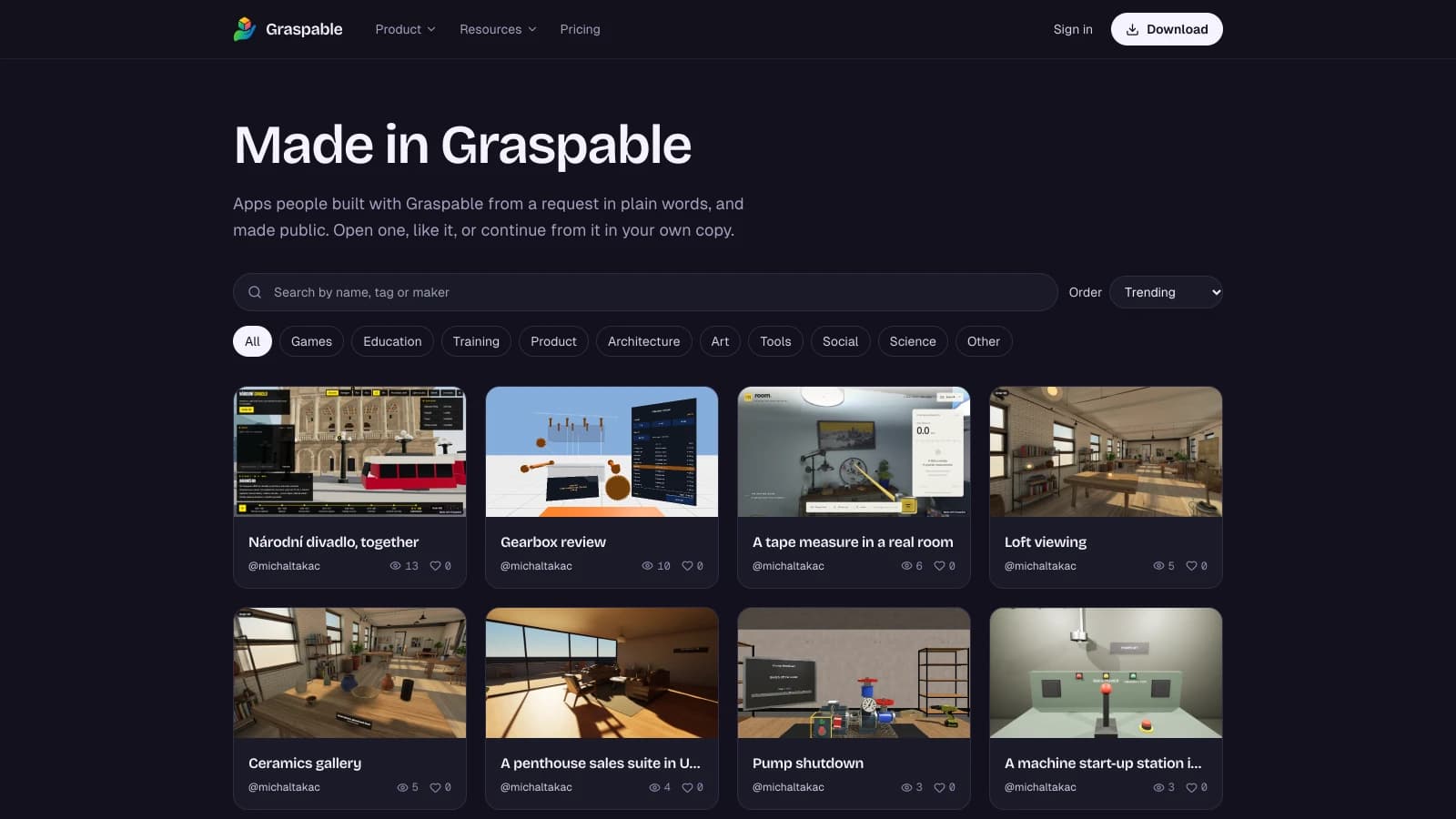
Publishing an app from Graspable gives it an address. That was the end of it: you sent the link to someone, and nobody else ever found the app. There is now a place for apps to be found and for the people who make them to be followed.
Your page
Choose a handle and you get a public page at graspable.dev/@you. It lists your public apps with their pictures, how often each was viewed and liked, your followers, your public collections and the month you joined.
You fill it in on the website under Account → Profile:
- a name and a few words about you
- where you are
- up to five links, each shown with the name you have on that service
- the headsets and tools you build with
- up to three apps to show first
- whether you are open to work
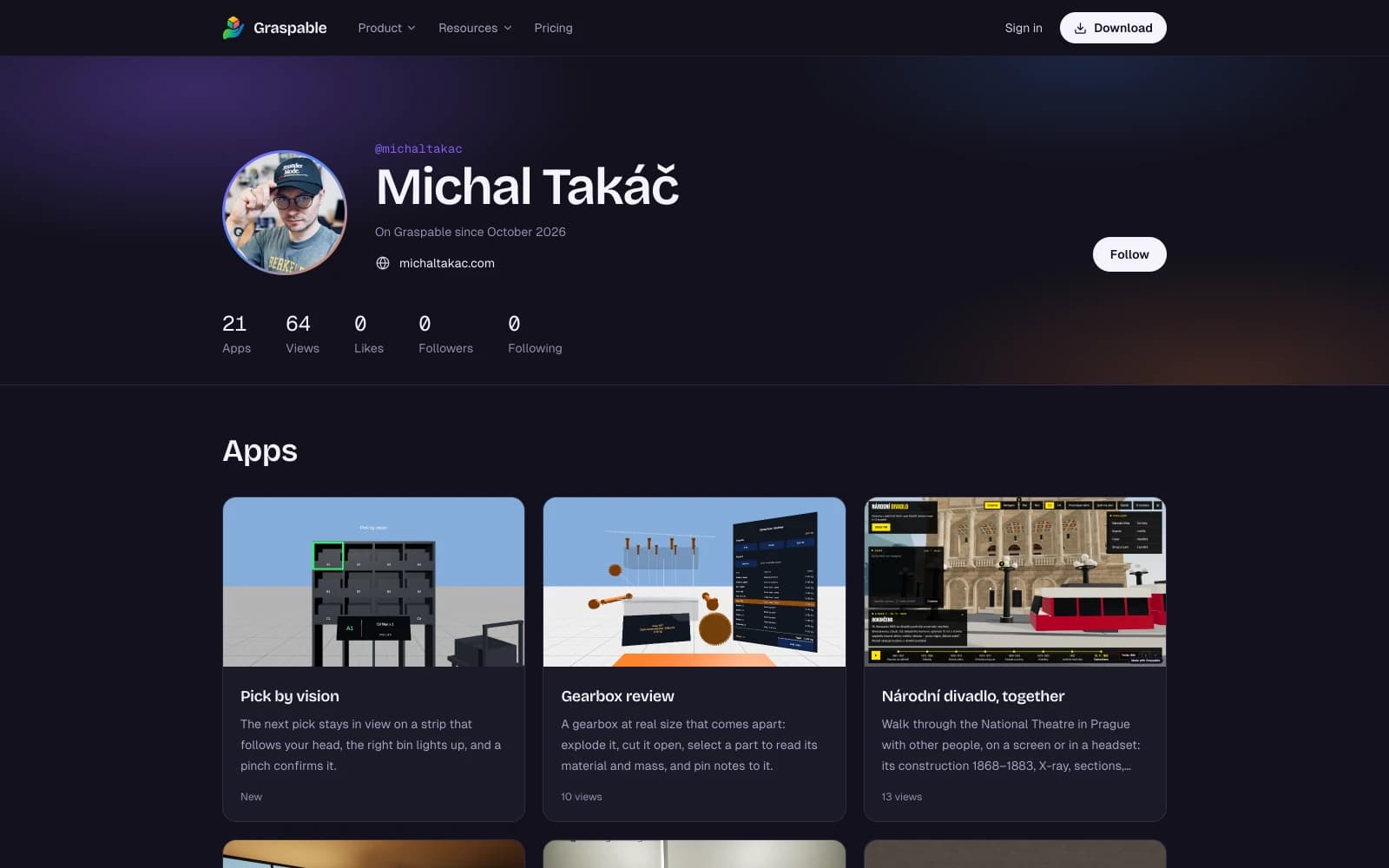
Your email address is never shown. The picture is the one from the GitHub or Google account you sign in with, and it stays off until you switch it on.
Follow, like, save, share
Every public app has a page on graspable.dev with its pictures, a longer text from its maker, and buttons to open it, like it, save it and share it. The maker's card on that page has Follow.
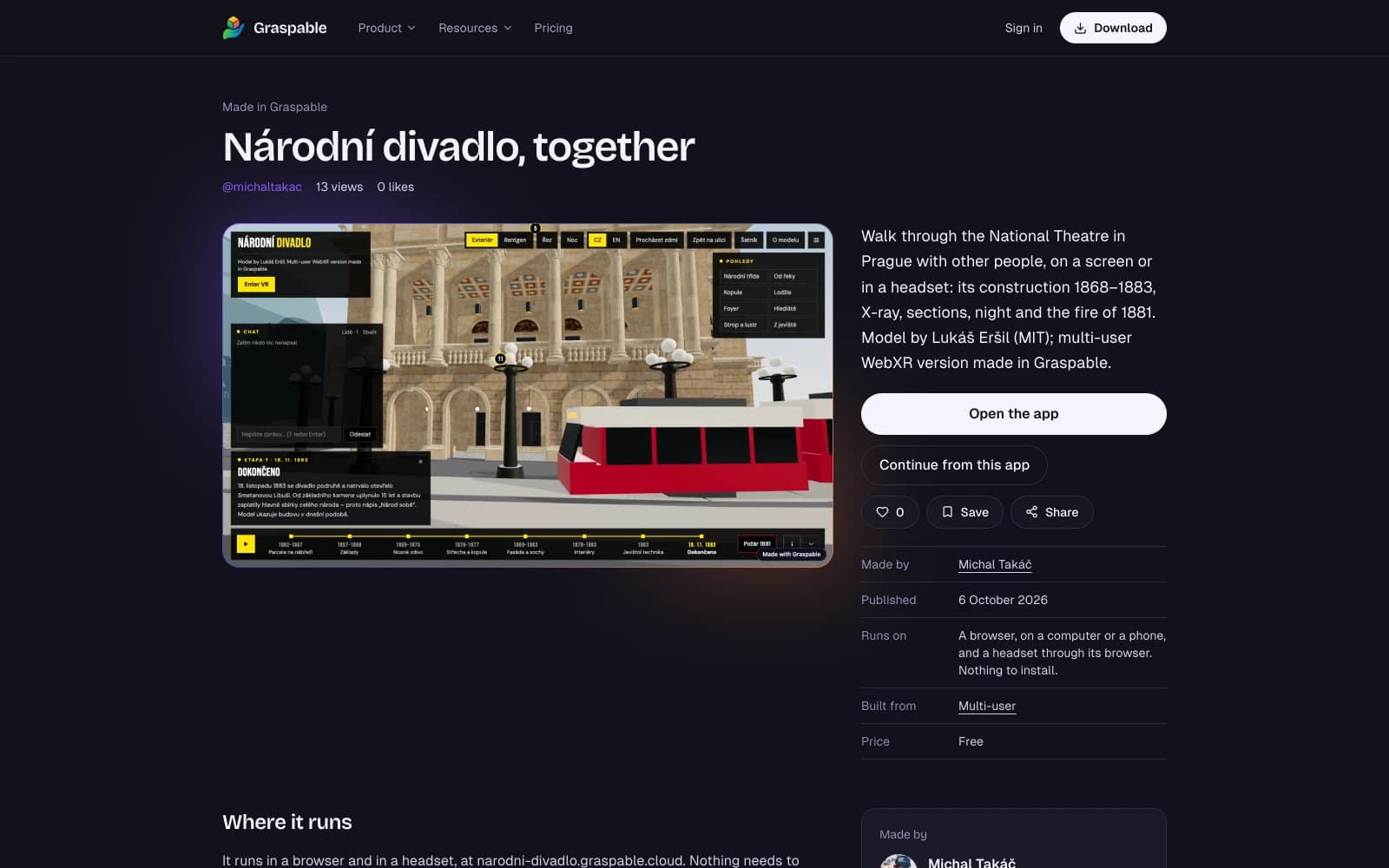
A like is one per account, and clicking again takes it back. Following someone puts what they publish next under People you follow in the app's Community page. Saving puts an app into a collection, which is a named list with a page of its own that you can send to someone. Under Account → Collections you choose which of them anyone can see.
All of it works on the website and in the app with the same account. Looking needs no account at all.
The gallery
graspable.dev/made lists every public app. You can search it by name, tag or maker, filter by category, and order it by trending, most viewed, most liked or newest. Trending is this week's views and likes, with a like counting as five views.
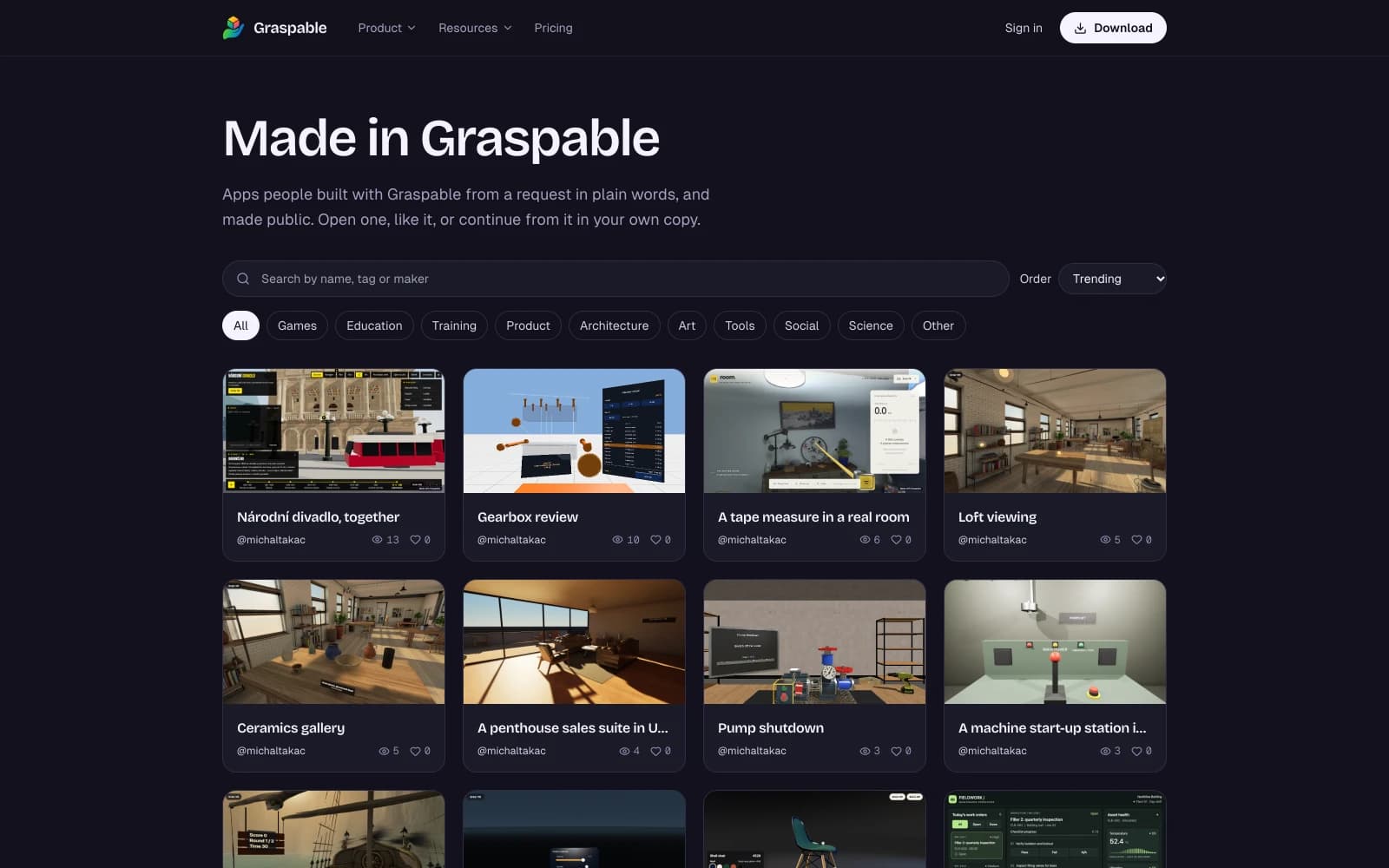
To be found there, give your app a category and up to five tags under Settings → Published apps. The examples our own team made sit in the same gallery, on the same kind of page as everyone else's.
Made with Graspable
A public app carries a small Made with Graspable badge that leads to its page. From there Continue from this app opens it as a new project on the computer of whoever clicks, ready for their next request. This is on unless you switch it off. Switching it off needs the Builder plan or higher, and the badge goes with it.
A private app is in none of these lists. It cannot be liked, collected or continued from.
Counts are real
A view is counted when an app is opened at its address. A like exists only because an account clicked it. Nothing in the gallery is seeded, and no account exists to make it look busier than it is. It is a small place today, and the numbers say so.
Start
Publish something, open Settings → Graspable account to choose a handle, and edit your profile. The details are in the documentation under Publish and share.