Describe a scene, step inside it
Graspable is now a desktop studio. You say what you want, an agent builds it as a real project on your computer, and you try it on a headset.
Michal Takáč 2 min read
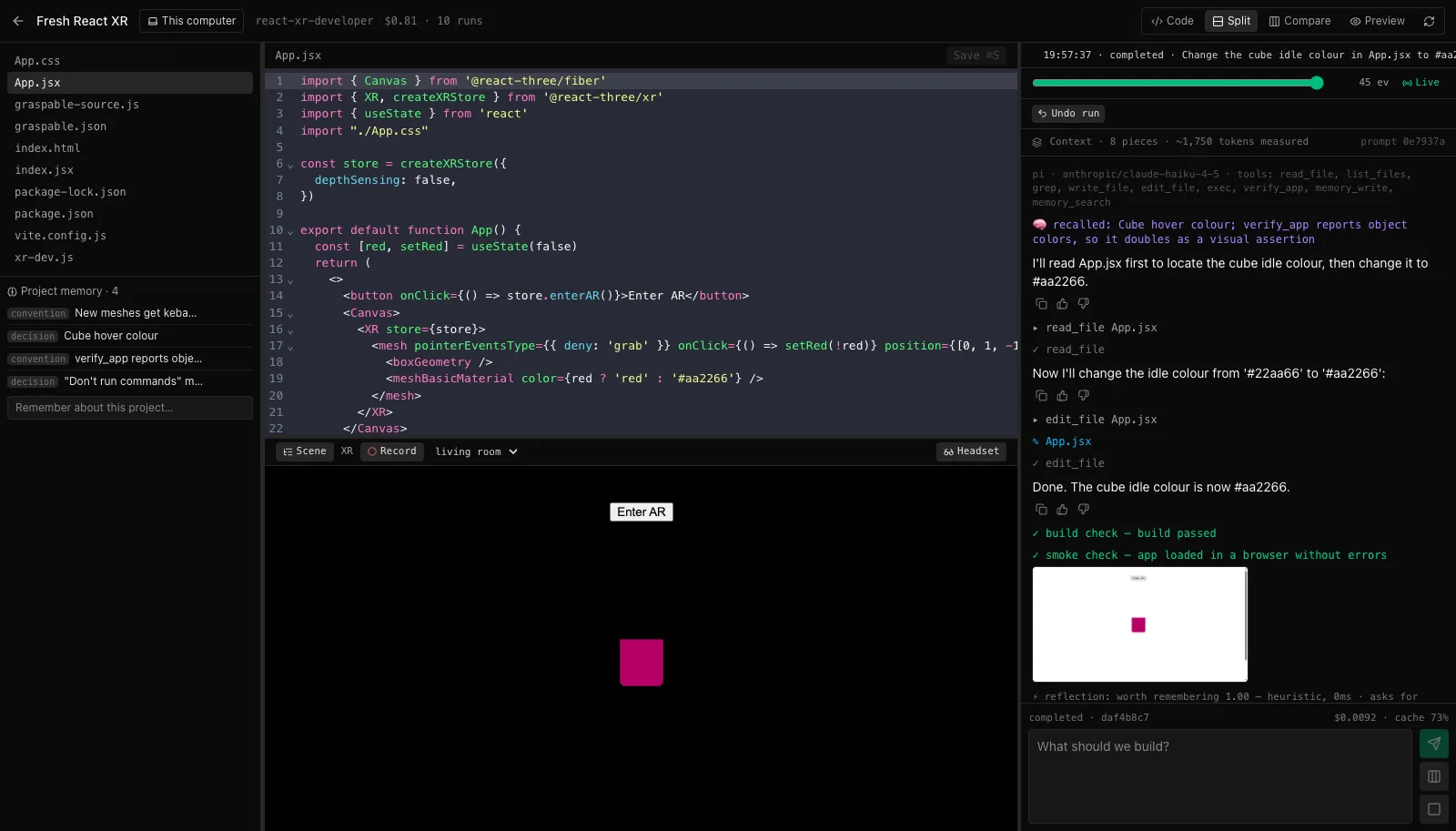
Making something for a headset has always started with a long list of chores. Pick a framework. Set up a build. Learn how controllers, hands and room scanning work. Find out on the device that it does not work.
Graspable starts somewhere else. You describe the scene.
You
Graspable
I'll build it in App.jsx with a reticle that follows the surface, then check it in the emulated headset.
A real project, on your computer
The agent does not hand you a preview you cannot keep. It edits a normal project folder on your disk: React, three.js and WebXR, the same tools professionals use. You can open it in any editor, and it is yours.
While it works you see everything: each file it changes, each command it runs, and what it cost. Anything risky asks you first. If you do not like the result, undo the whole run with one click.
It has to run before it says done
An agent that says "done" when nothing works is worse than no agent. So a run in Graspable only finishes when the project builds and loads in a real browser without errors. When it fails, the error goes back to the agent, up to three times.
A headset you do not have to put on
The app includes an emulated headset standing in a scanned room. You can look around, point controllers, and try the scene before you reach for the real device. This is the measuring tape from the request above, as the agent built it:
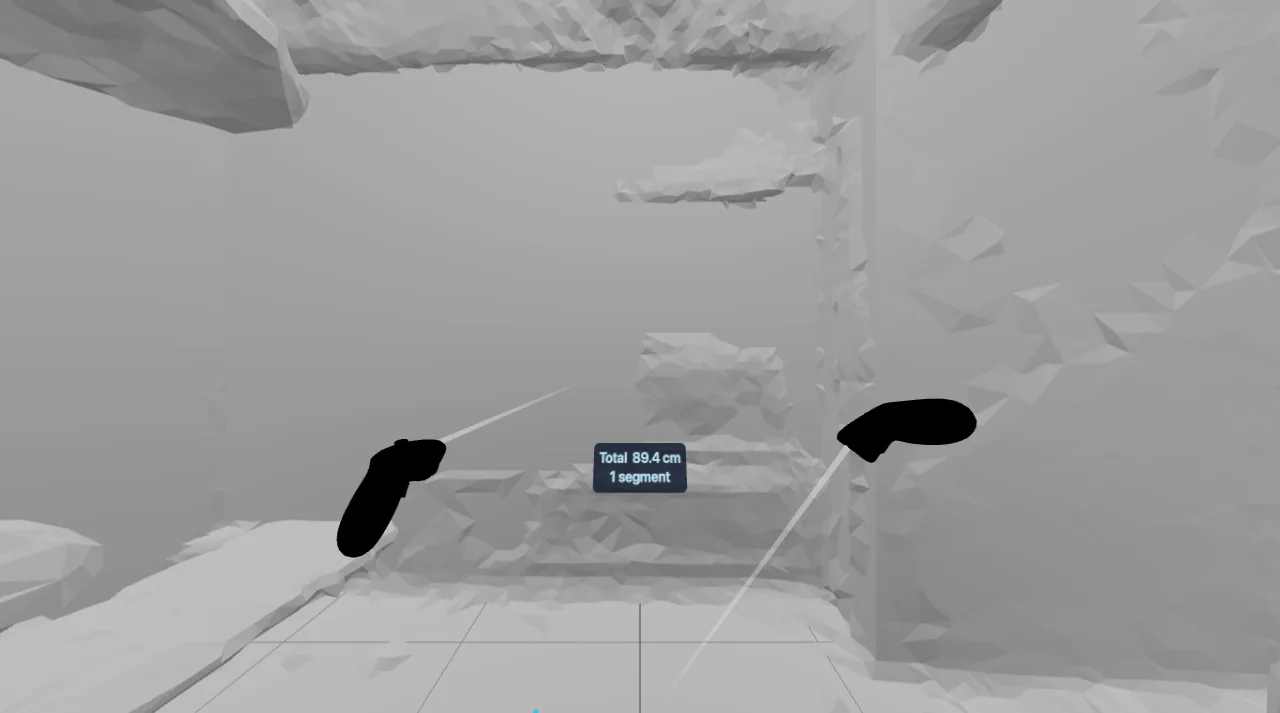
When you are ready, open the same scene on your Quest or Vision Pro over Wi-Fi or USB.
Your AI account
Graspable does not sell you a model. Sign in with your ChatGPT subscription, use Claude Code with your Claude subscription, or add an API key. Building on your own computer is free.
Download Graspable and describe your first scene.