Build inside XR by talking
Graspable now has voice. Speak a request instead of typing it, hold a conversation with the agent and hear its answers, and keep talking after you put the headset on.
Graspable 5 min read
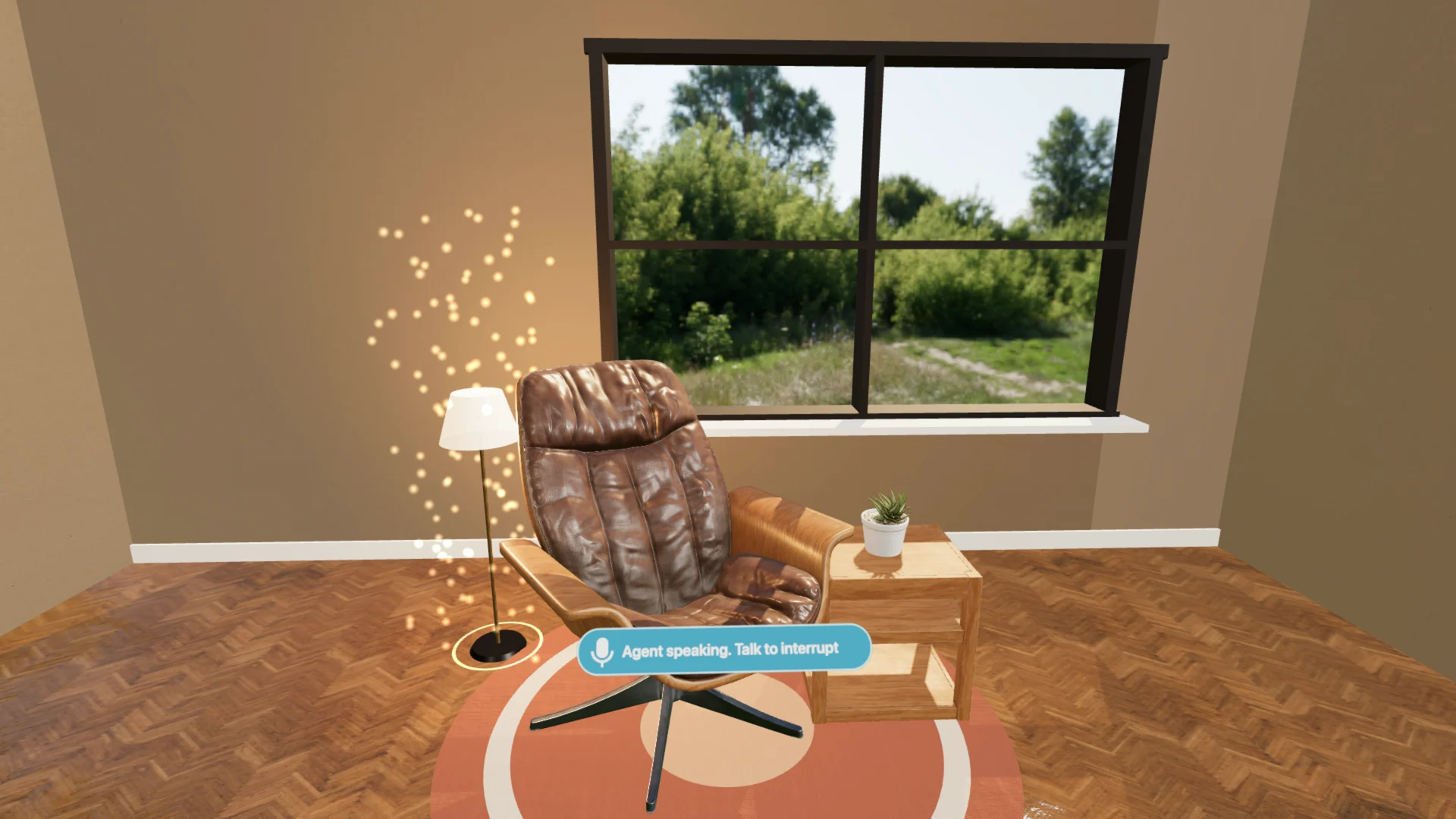
A headset has no keyboard worth using. Until now that meant a loop: look at the scene in the headset, take the headset off, type what should change, put it back on. Graspable 0.21 closes that loop with voice. You can speak a request at your desk, hold a conversation with the agent while it works, and carry on that conversation from inside the scene.
Speak a request
A microphone now sits beside the prompt. Press it, say what you want, and press it again or hit Enter. Your words appear in the prompt as text, so you can fix a word before you send it. Escape drops the recording.
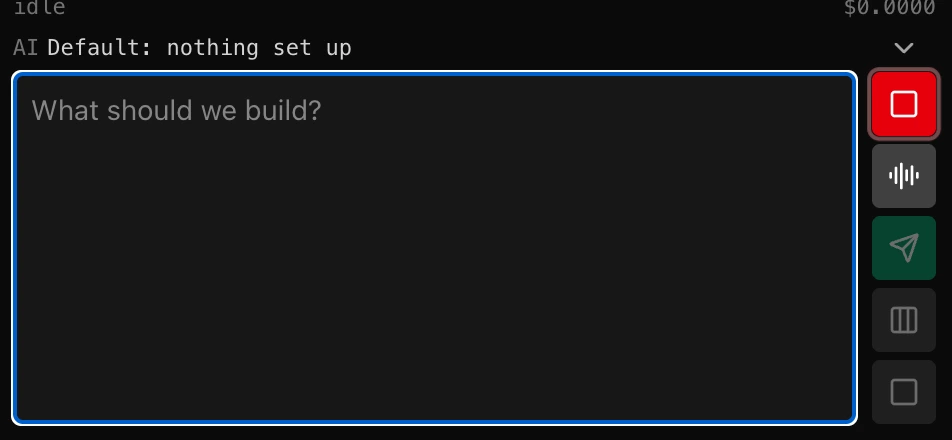
This is the small version of voice, and for many requests it is enough. Describing where a shelf should go is faster out loud than typed, and you still get to read the request before it becomes work.
Talk it through
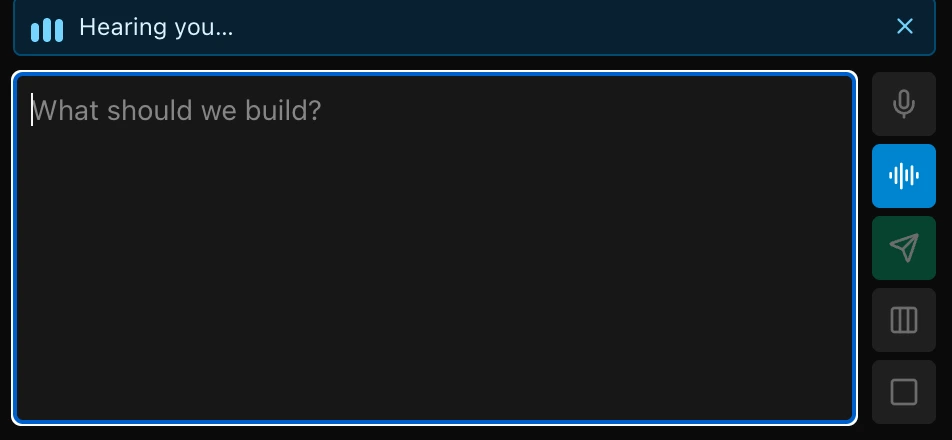
The button with the sound waves, under the microphone, starts a conversation. The microphone stays open, and what you say is sent when you stop speaking. If the agent is idle, your words become a new request. If it is in the middle of a run, they reach it as a note that steers the work, so "make the lamp taller" can land while the lamp is still being built.
The agent answers in a few short sentences, read aloud. Speak while it is reading and it stops, the way you would interrupt a person. When a step needs your approval, the agent says so, and you approve or decline on the screen.
Every agent message also has a Read aloud button beside Copy, for when you want to hear one answer without starting a conversation.
Keep talking in the headset
The same conversation works in VR and AR. A Talk to the agent button sits low in front of you, out of the way of the scene and one glance down. Press it and speak.
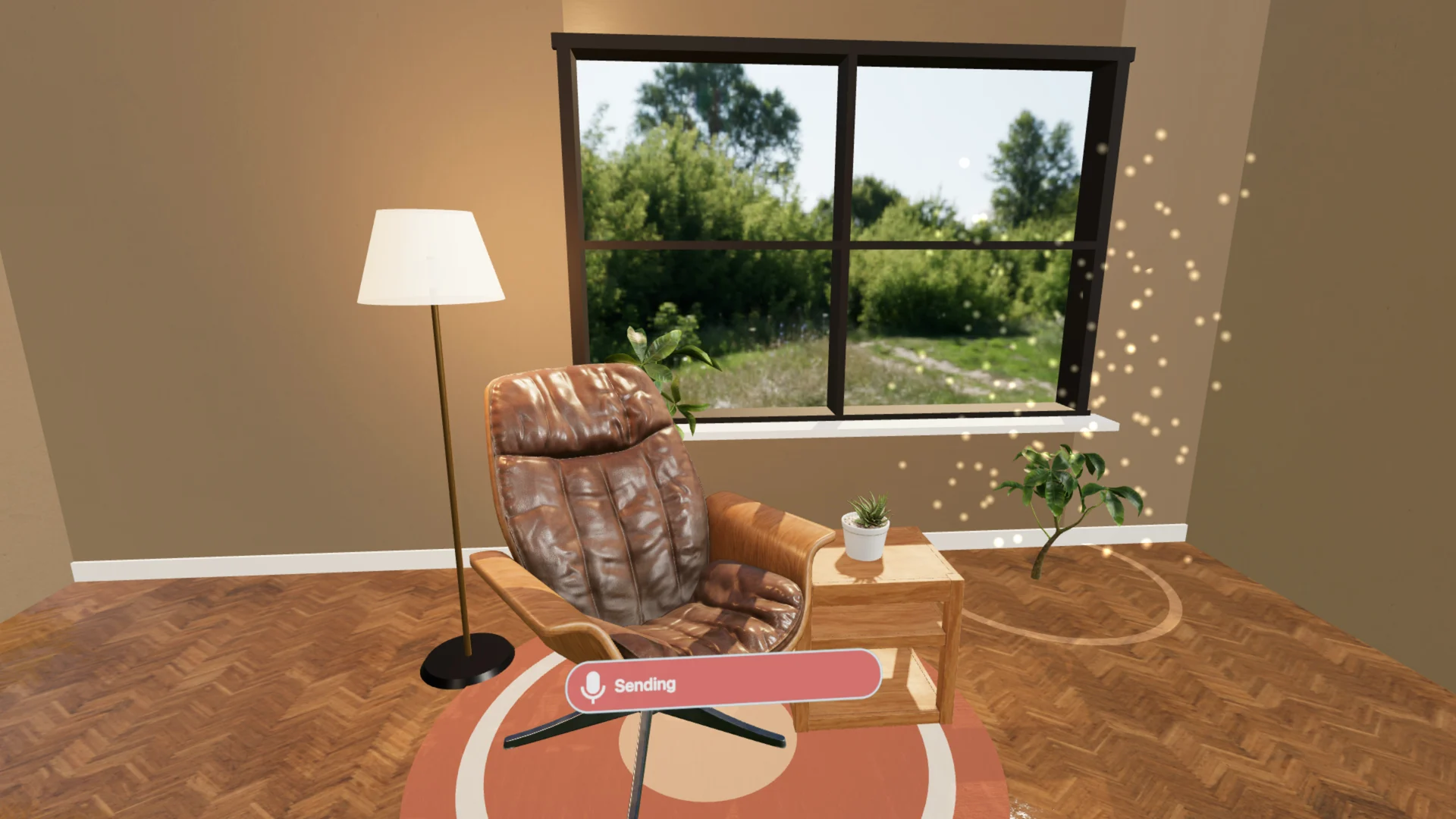
In the preview on your computer, the emulated headset uses the computer's microphone. On a real headset, open Headset, share the preview on Wi-Fi, choose Talk in the headset and scan the code. The headset then listens with its own microphone and plays the agent's answers in your ears. The conversation also shows in the app on your computer, which is where you approve steps.
The headset sends its recordings to Graspable on your computer and nowhere else. It never holds your ElevenLabs key or your Graspable sign-in.
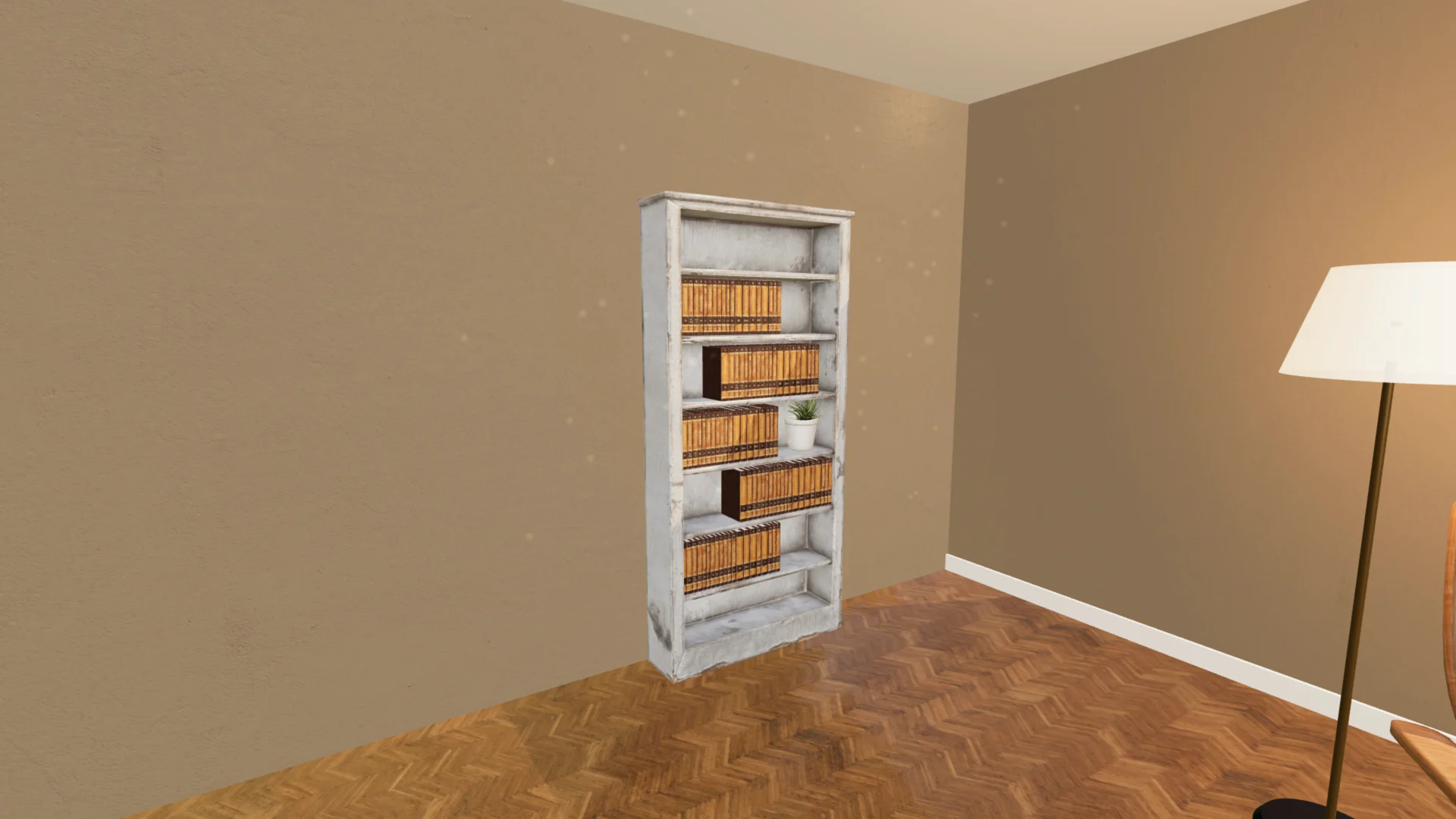
This is the part that changes how building feels. You stand in the room you are making, say what is missing, and watch it arrive where you are looking. The scene in the film gives each new thing a pop and a few sparkles when it appears. That is ordinary scene code, and you can ask the agent for the same in your own project.
Who hears you
ElevenLabs turns your speech into text and the agent's answers into speech. Under Settings, Voice you choose how that is paid for:
- Graspable, on Credits. With your Graspable account, about ten minutes of speech are free every day. Beyond that, voice uses Credits by what it cost.
- Your own ElevenLabs key. ElevenLabs bills your account directly. The key stays in your computer's keychain and is sent only to ElevenLabs.
Graspable keeps no recording and no text of what you said. It counts the seconds turned into text and the characters read aloud that day, and that is all.
Speech to text works out the language you speak by itself. If short requests confuse it, set your language in the same place. You also pick the agent's voice there, and Hear it plays a sample.
Try it
Voice is in Graspable 0.21.3 for Windows, macOS and Linux. Update the app, open Settings, Voice, and press the microphone. The details are in the voice documentation, and Preview and headset covers opening a project on a real headset.