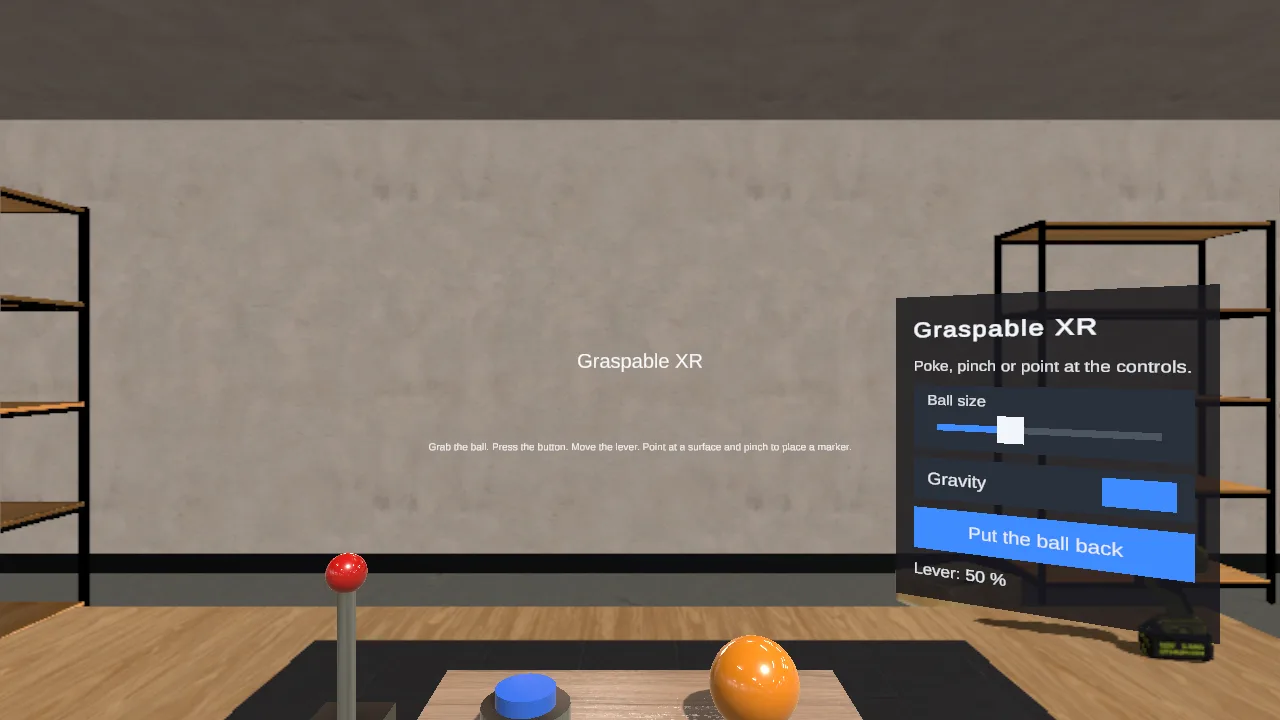
Unity AR tabletop template
 GraspableOfficial
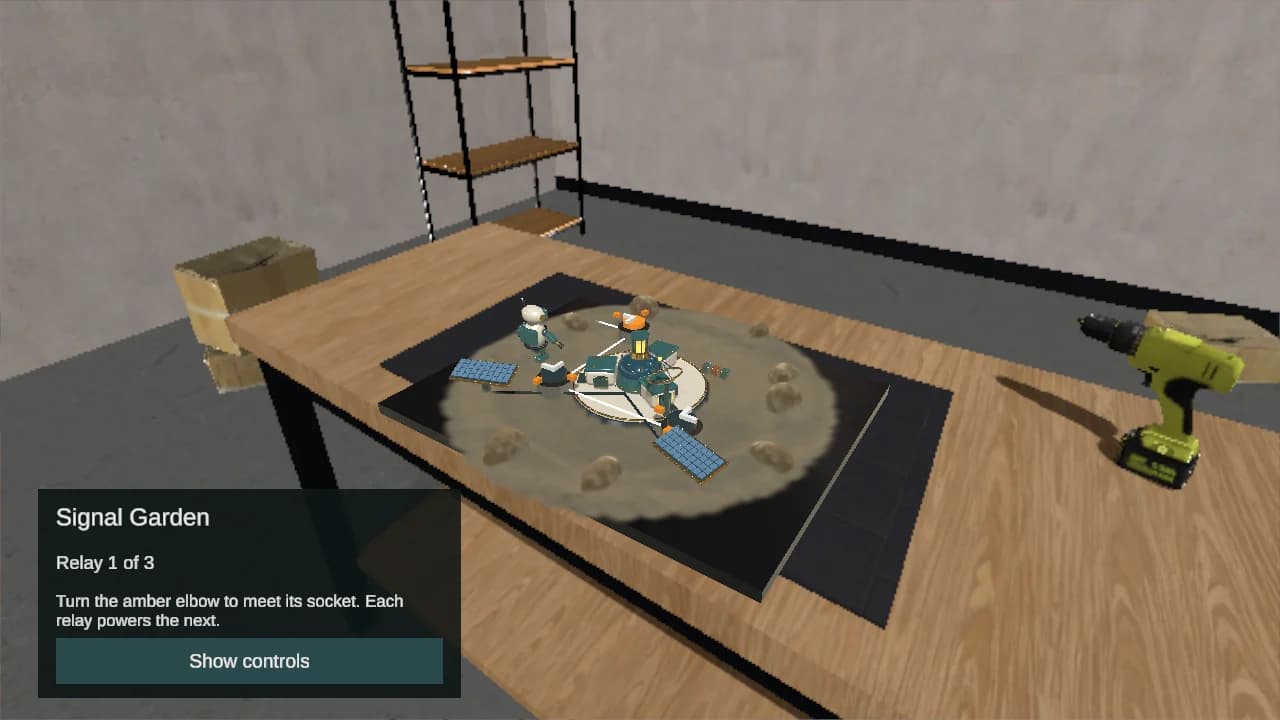
What you start with
Unity 6 · AR Foundation · ARKit / ARCore / Quest, in a Unity 6 project with a Graspable kit of scripts and prefabs. It is an ordinary Unity project in a folder on your computer, built with your own Unity.
Where it runs
Supported iPhones and iPads through ARKit, Android phones through ARCore, and Meta Quest through a separate OpenXR configuration. Choose Phone AR or Quest in Unity before building. The Unity Editor includes a simulated room for development. AR setup and controls.
What you need
Unity 6 with the build modules for your target. Android phones and Quest need the Android module; iOS needs the iOS module, a Mac with Xcode and device signing. See native XR.
Requests to try
Start a project from this template and send one of these as it is, or change it to what you have in mind.
- A rescue mission on my kitchen table, with three relays that power up when I tap them.
- A two-minute film in which a maintenance robot wakes an abandoned observatory.
- Replace the research outpost with a model of my building and place it at real scale.
How a run ends
The agent edits the project on your computer, and a run ends only when it compiles and runs in play mode without errors. How templates work
More templates
Unity for Android XR
A native Unity project for Android XR headsets and glasses (Samsung Galaxy XR, XREAL Project Aura and others): passthrough, real surfaces, hands and gaze, built as an Android app you install on the device.
GraspableOfficialUnity for Quest
A native Unity project for Meta Quest and Meta VR Glasses: mixed reality out of the box, with passthrough, real surfaces, hands, gaze and controllers, built as an Android app you install on the headset.
GraspableOfficialUnity for XREAL
A native Unity project for XREAL glasses: Project Aura through Android XR out of the box, XREAL One and Air through the XREAL SDK you add; hands, gaze and the real room, built as an Android app.
GraspableOfficial