Industrial training and operations
Teach a procedure at the machine, or before anyone has to touch it.
For training and operations teams in manufacturing, energy and logistics, and the integrators who build for them.
Working examples
Each was made in Graspable from a description. Open one to try it, or continue from it in your own copy.
 Unity for Quest template
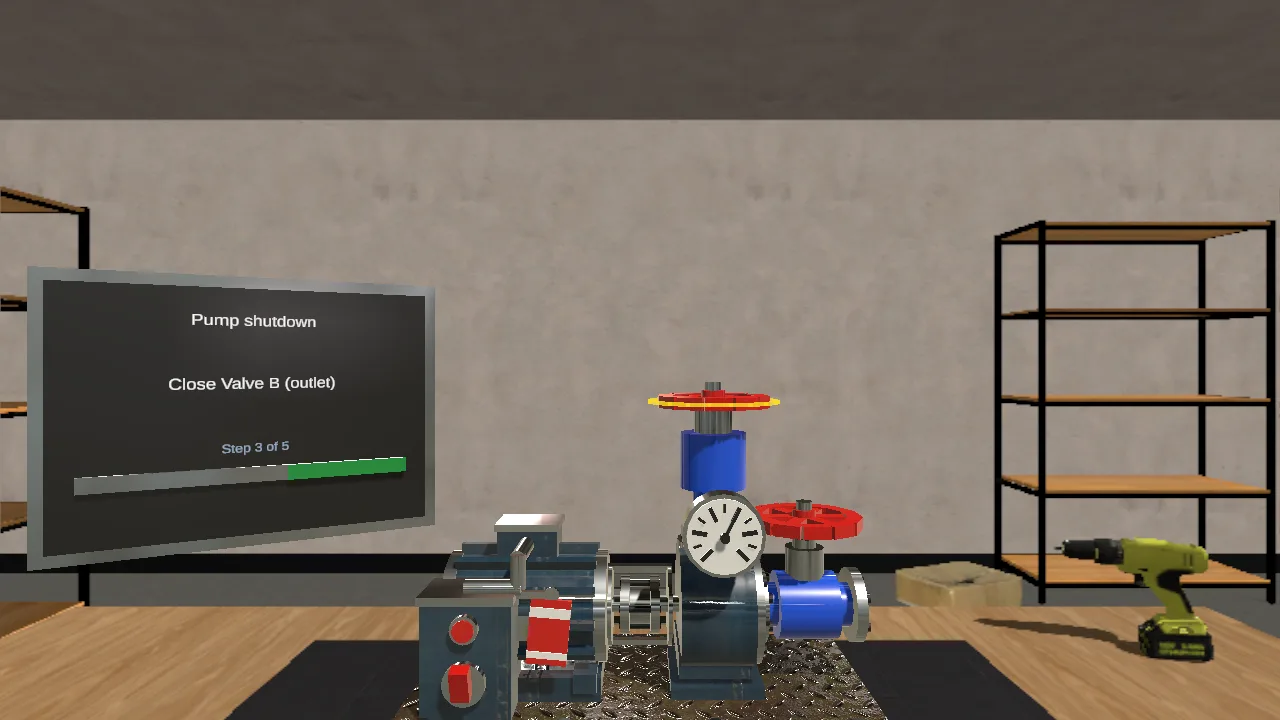
A guided shutdown of a pump unit
A five-step maintenance procedure in mixed reality: the step card says what to do, the part to act on glows, and the unit answers.
- Work instructions
- Mixed reality
- Real materials
See its page (one run)
 Unreal Engine XR template
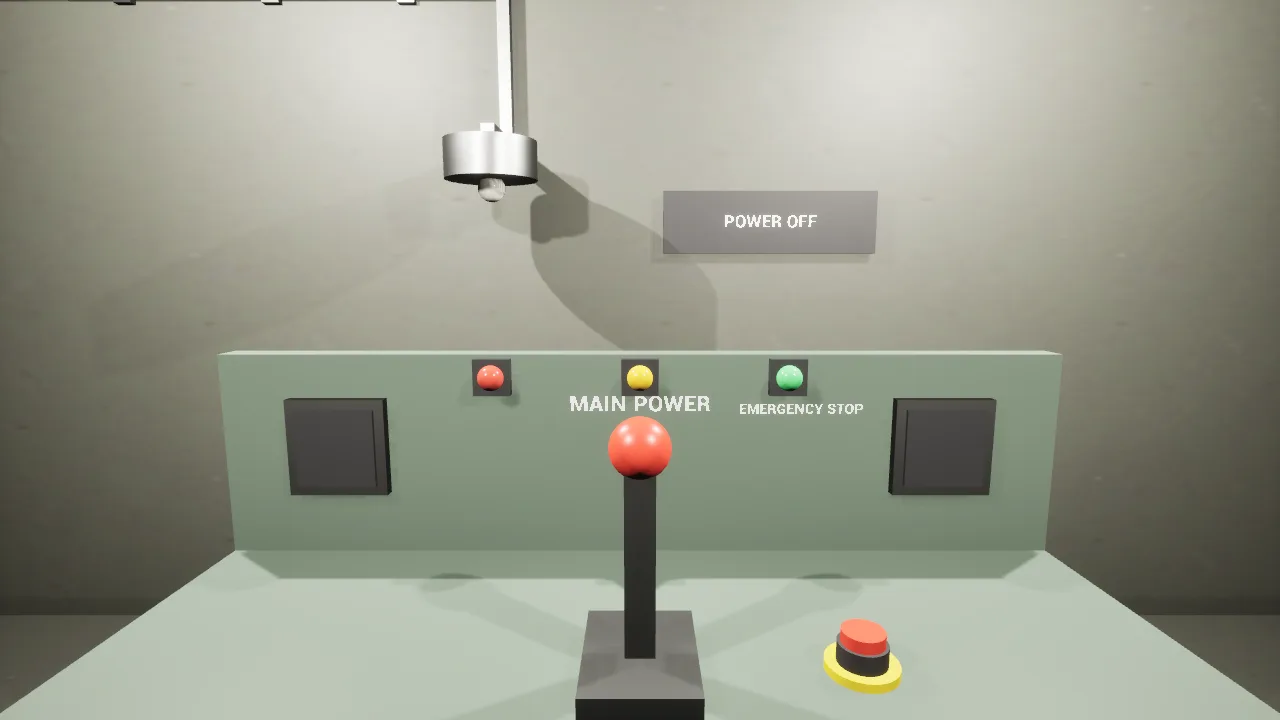
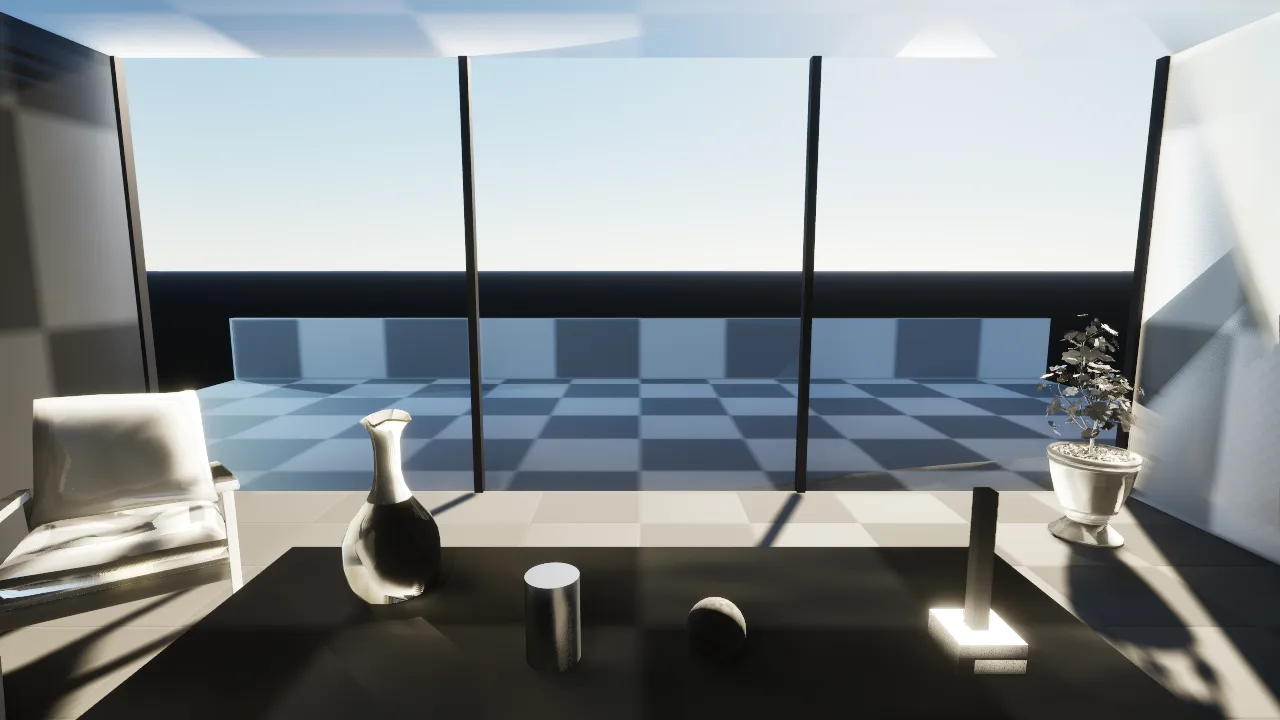
A machine start-up station in Unreal Engine
A plant-room console for training operators: pull the main power lever down and the work lamp comes on and the sign reads POWER ON.
- Unreal Engine 5
- A Blueprint written by the agent
- A lever on a hinge
See its page (2 runs)
 Unity for Android XR template
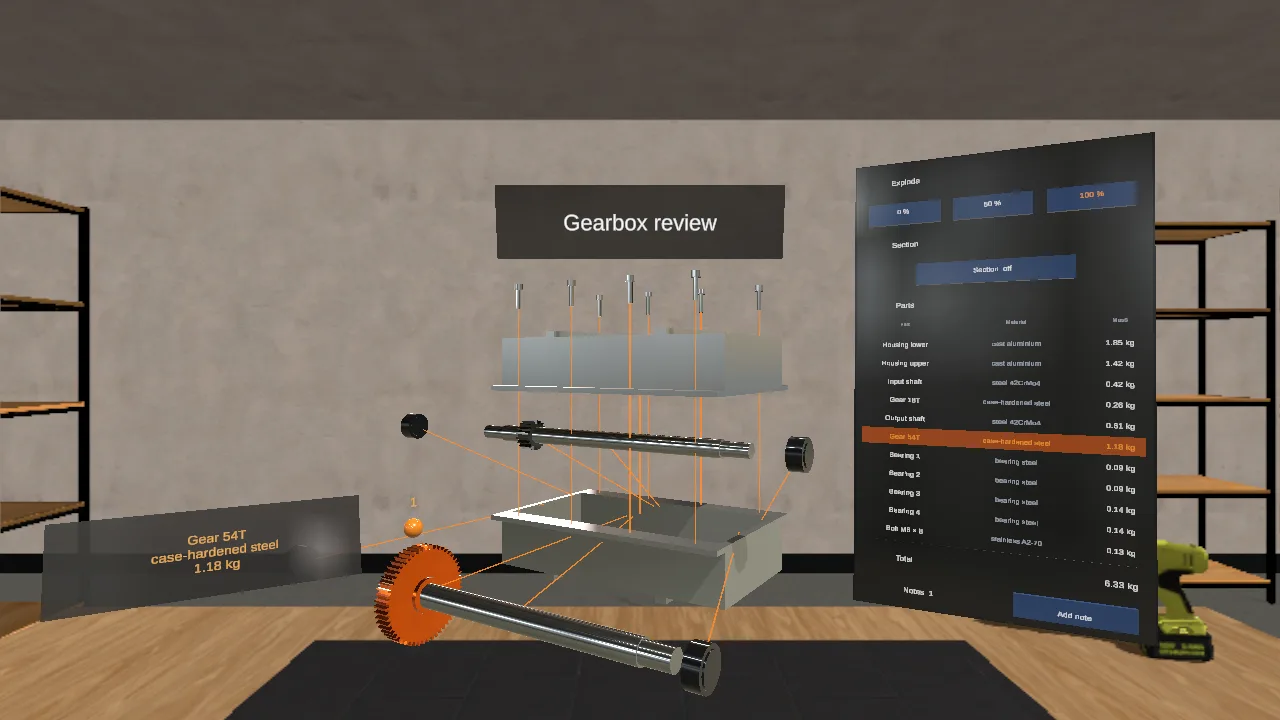
A design review of a gearbox
A gearbox at real size that comes apart: explode it, cut it open, select a part to read its material and mass, and pin notes to it.
- Design review
- Exploded view
- Real materials
See its page (one run)
 Expo panel app template
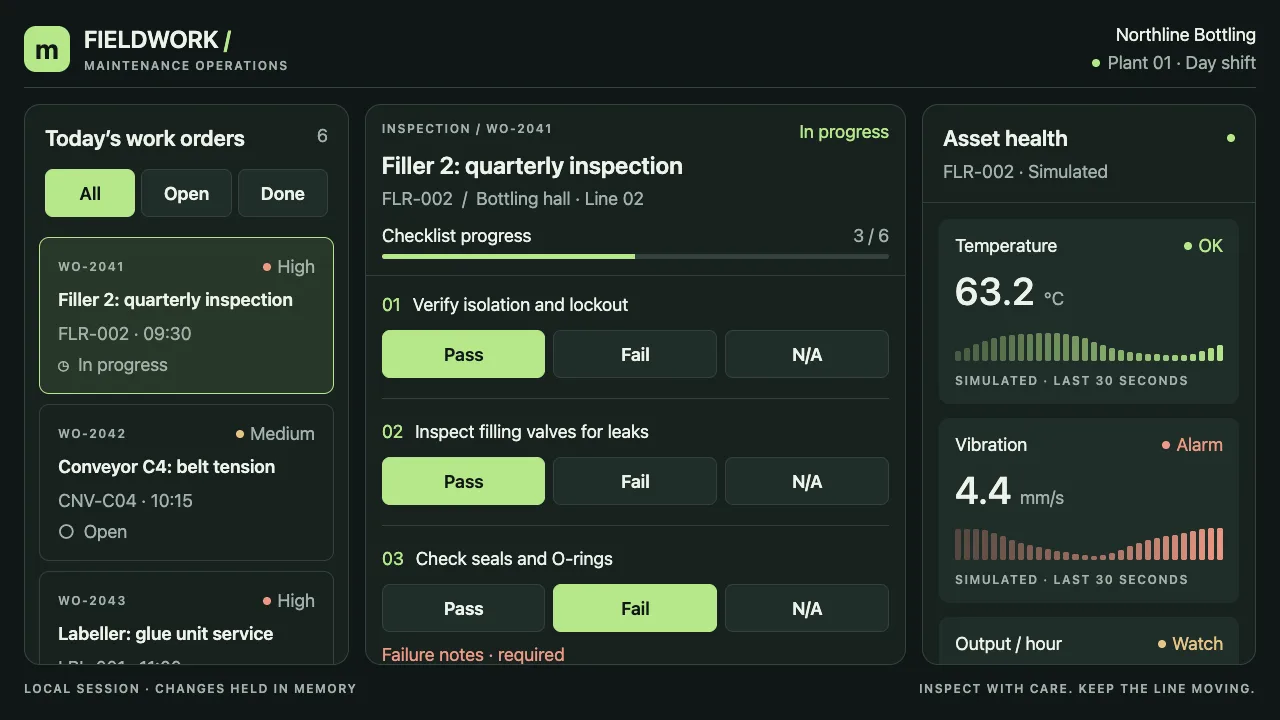
A work-order console for technicians
Pick a work order, answer its inspection checklist with Pass, Fail or N/A, watch the asset's readings, and sign off: a panel that floats beside the machine.
- Panel app
- Field service
- Checklist and sign-off
See its page (one run)
 Unity for XREAL template
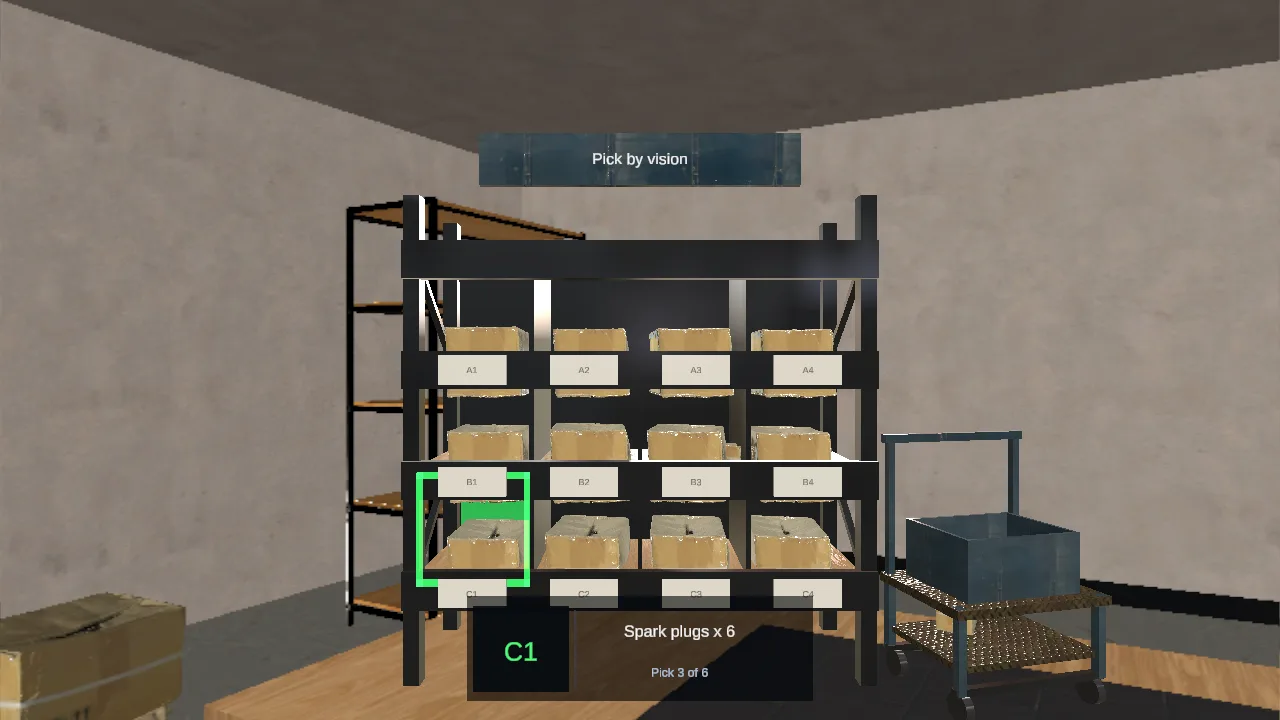
Pick by vision for a warehouse
The next pick stays in view on a strip that follows your head, the right bin lights up, and a pinch confirms it.
- Smart glasses
- Warehouse picking
- Real materials
See its page (2 runs)
What you get
- Procedures, one step at a time
- Each step says what to do, highlights the part, and waits until it is done, so a trainee can practise a shutdown or a start-up as often as it takes.
- Take the machine apart safely
- Explode an assembly, cut it open and select a part to see its name, at real size, for reviews and onboarding.
- Guidance that stays in view
- Work orders, checklists and pick lists on a panel that follows the head, for headsets and AR glasses.
Requests to start from
Type one of these into Graspable as it is, or change it to your product, building or procedure.
- A guided shutdown of our pump unit in five steps. Each step highlights the valve or switch and waits until it has been turned.
- A design review of this gearbox at real size: explode it, cut it in half, and show each part’s name when someone points at it.
- A pick-by-vision strip for the warehouse: the next item and its bin stay in view, and a confirmed pick moves to the next one.
Where it runs
On Meta Quest and other headsets through the web or as a native Unity build, on AR glasses such as XREAL, and on Android XR. The project is yours: it lives on your computer with its history, your developers can open and change it, and publishing gives it an address anyone can open.
Templates to start from
Unity for Quest
A native Unity project for Meta Quest and Meta VR Glasses: mixed reality out of the box, with passthrough, real surfaces, hands, gaze and controllers, built as an Android app you install on the headset.
 GraspableOfficial
Unity for XREAL
A native Unity project for XREAL glasses: Project Aura through Android XR out of the box, XREAL One and Air through the XREAL SDK you add; hands, gaze and the real room, built as an Android app.
GraspableOfficialHands & Spatial UI
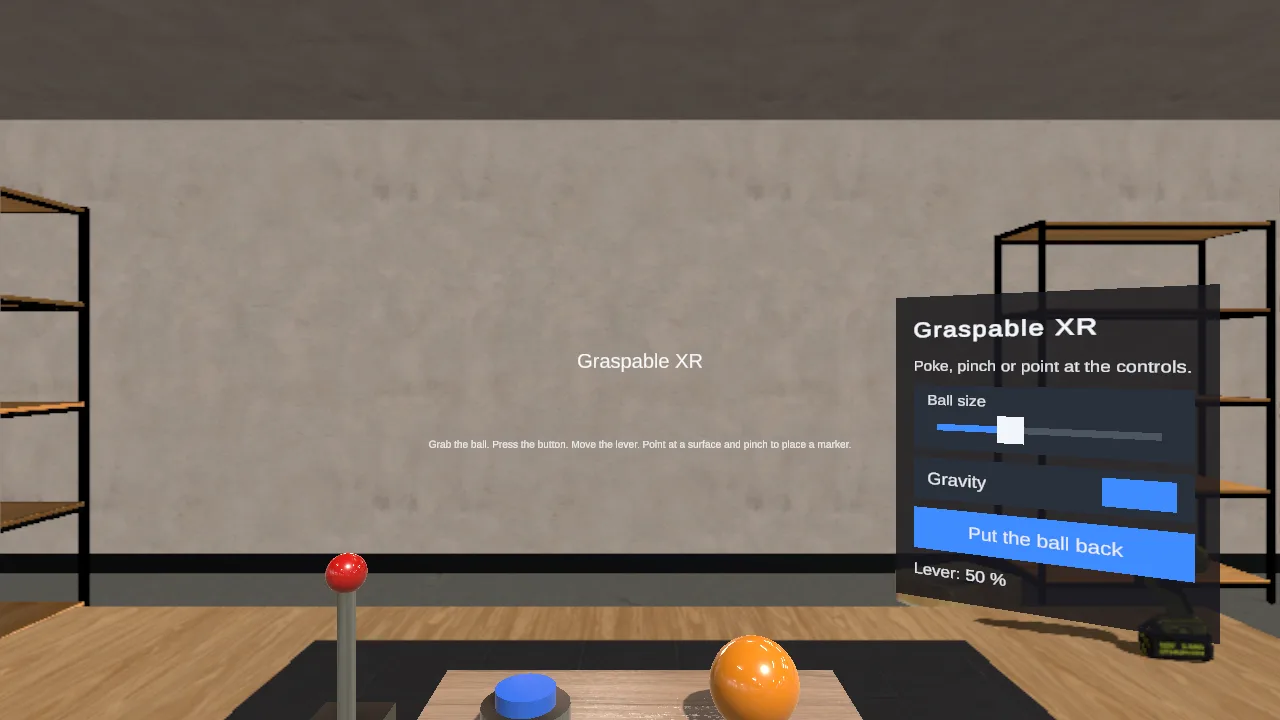
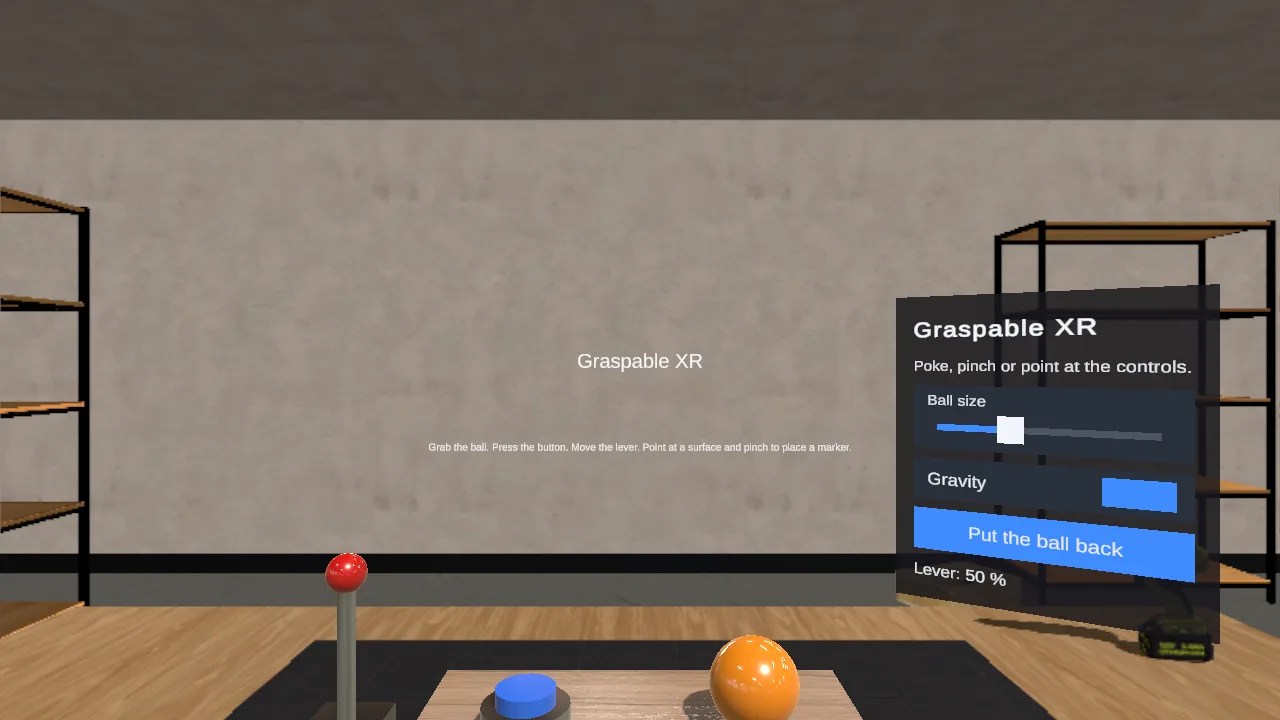
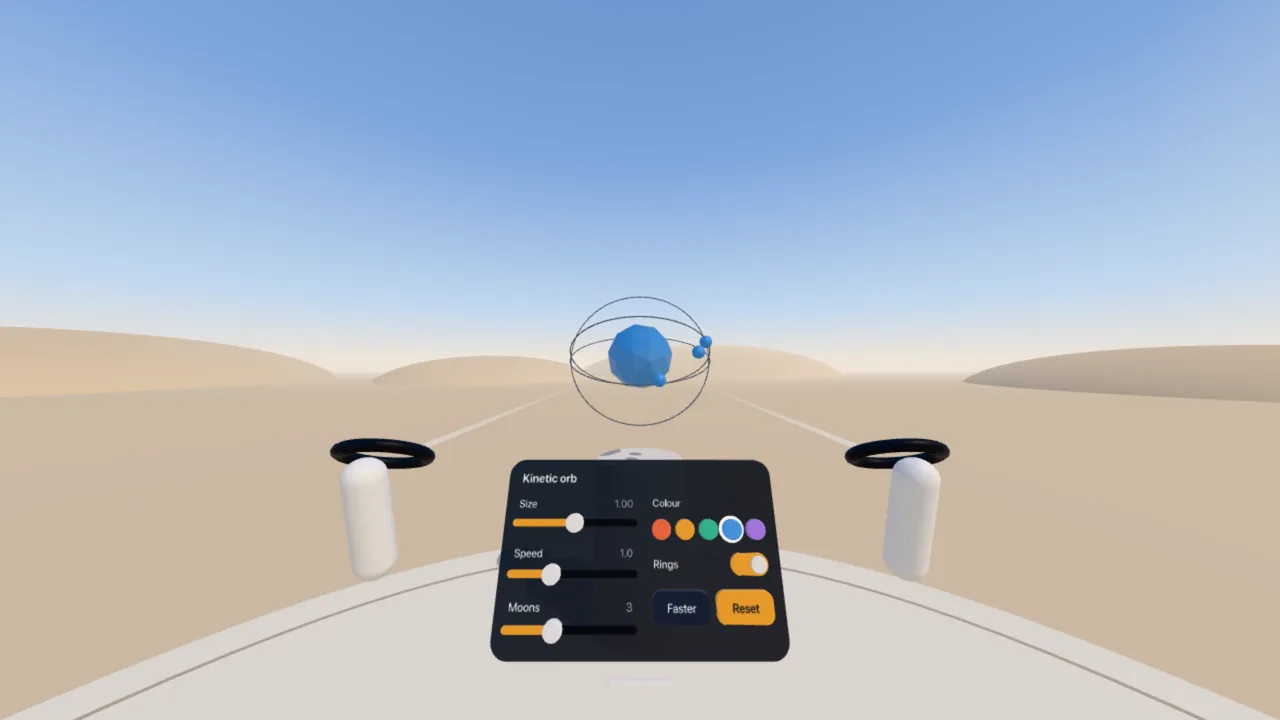
Panels, buttons and sliders you pinch and poke with your bare hands, ready to become a dashboard, an instrument or a tool.
GraspableOfficialUnreal Engine XR
An Unreal Engine 5 project for OpenXR headsets whose level is a Python script: scanned furniture and props at real size, daylight that bounces, things to grab and switch, Blueprints the agent writes.
GraspableOfficial
Read more
Start with your own project
Graspable is free with your own AI account, on Windows, macOS and Linux. For a team, a pilot or a larger programme, write to us and Michal answers.