Graspable now generates worlds with World Labs
Ask for a place in plain words and the agent generates it with World Labs Marble and puts it in your project: what you get, what it costs in Credits, and the three templates that use it.
Michal Takáč 4 min read
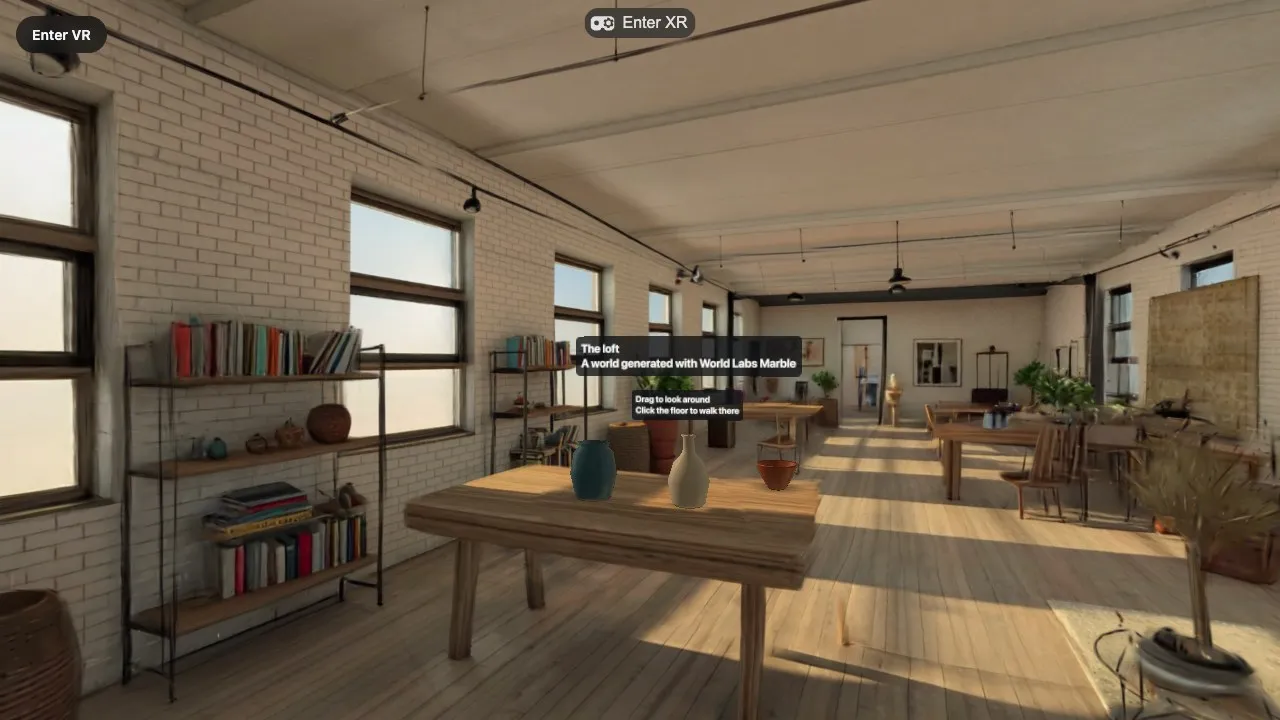
From version 0.9.31, Graspable can generate a place for your project. You describe it. The agent generates it with World Labs Marble, through their World API, and saves it into the project on your computer. Then it switches the scene to the new place.
You
The agent asks before it starts, because a world costs Credits. Generation takes about five minutes. The run waits for it.
What you get
A world is a folder in your project, public/worlds/<name>/. It holds:
- The world as Gaussian splats, in two sizes: 500,000 splats, which is what is shown, and a light version of about 100,000 that appears first while the large one loads.
- A collider mesh: the same place as a plain mesh that is never shown. It is what you stand on, bump into and bounce balls off.
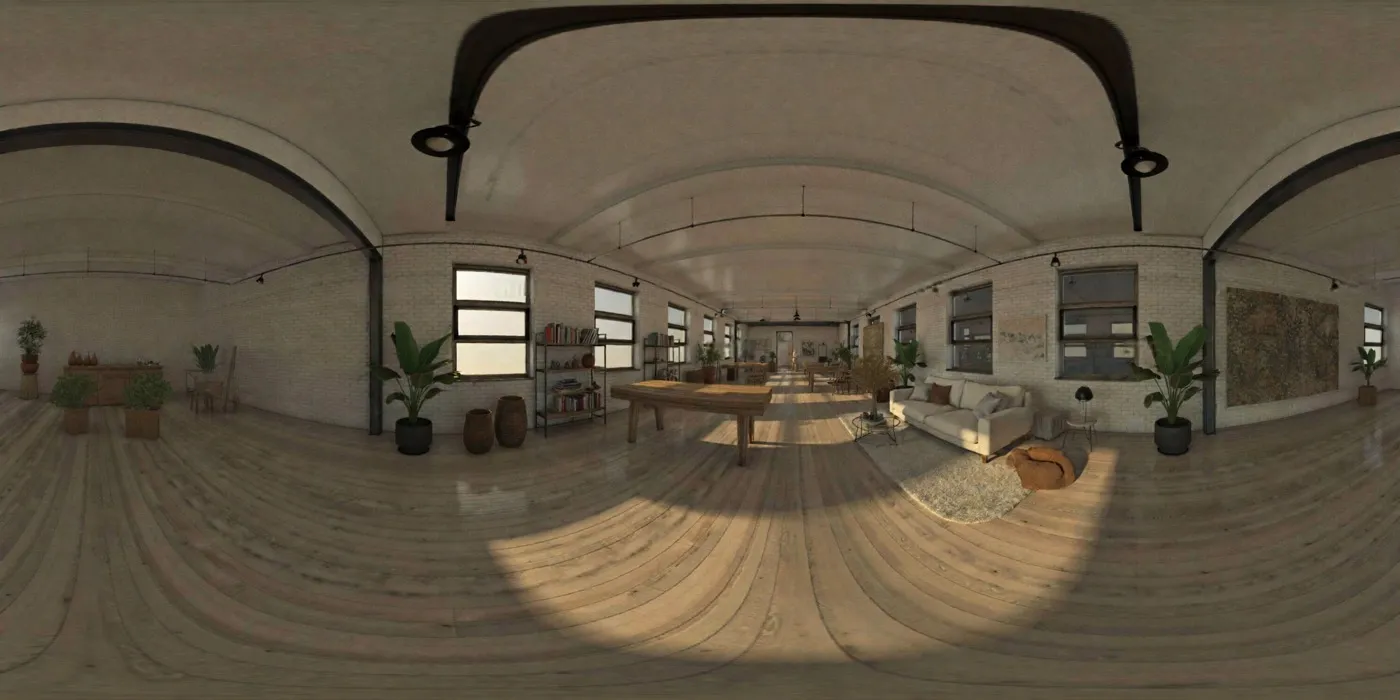
- The panorama the world was made from.
world.json: the name, your description, World Labs' caption of what is in the place, and two numbers that turn the world's raw units into metres and put its floor at zero.
The templates read world.json for you, so a world appears at real size with the floor at your feet. If Gaussian splats are new to you, start with Gaussian splats, explained.
What it costs
- Draft: 2 Credits. A quick, rough version to check the idea.
- Standard: 11 Credits. The default.
- Large: 21 Credits. A bigger outdoor place or a large interior.
A world that fails to generate costs nothing. Generating worlds through Graspable comes with the Builder plan and higher. See Credits.
If you have your own World Labs API key, you can use it instead. Open Settings → Plugins and connectors, switch on World Labs and enter the key. World Labs then bills you directly, no Credits are used, and your Graspable plan does not matter.
Three templates that use it
All three are premium templates and start inside a world we generated for them.
- Splat World starts in a sunlit loft. You look around, teleport and put things in it. They sit on the world's real floor and tables, at real size.
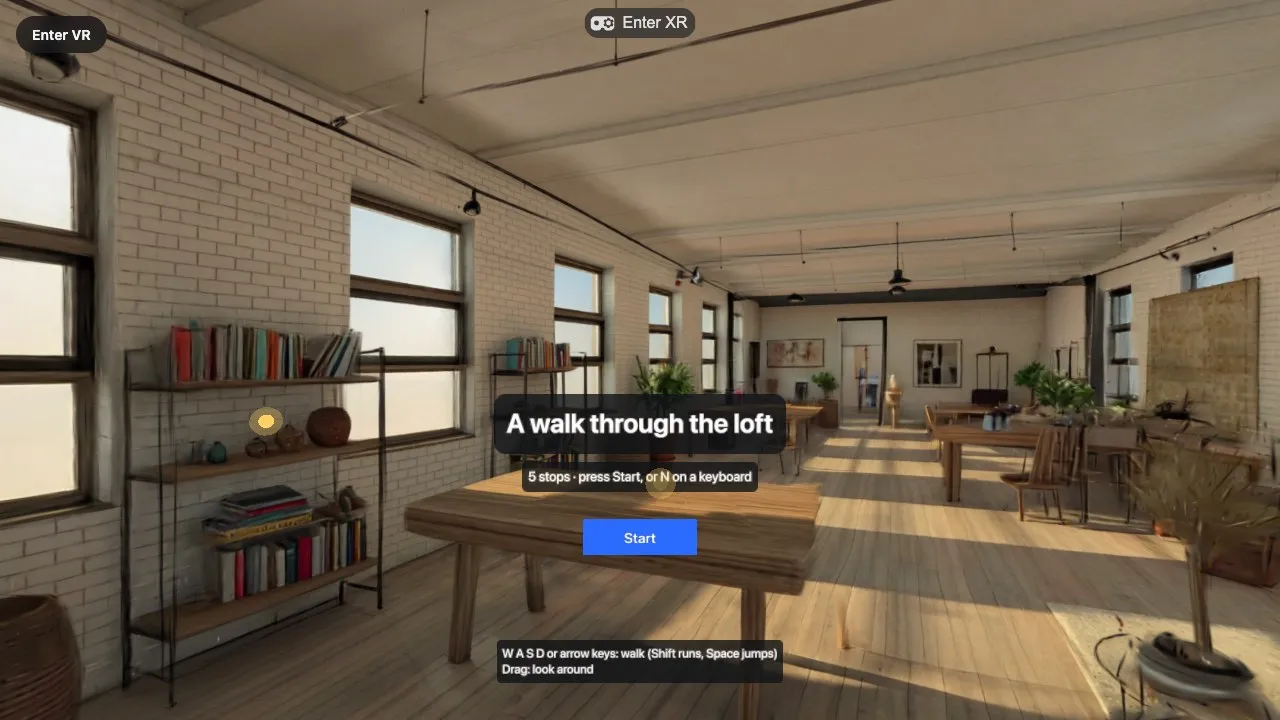
- World Explorer starts in the same loft, but solid. Floors hold you, walls and furniture stop you. It comes with info points and a guided tour.
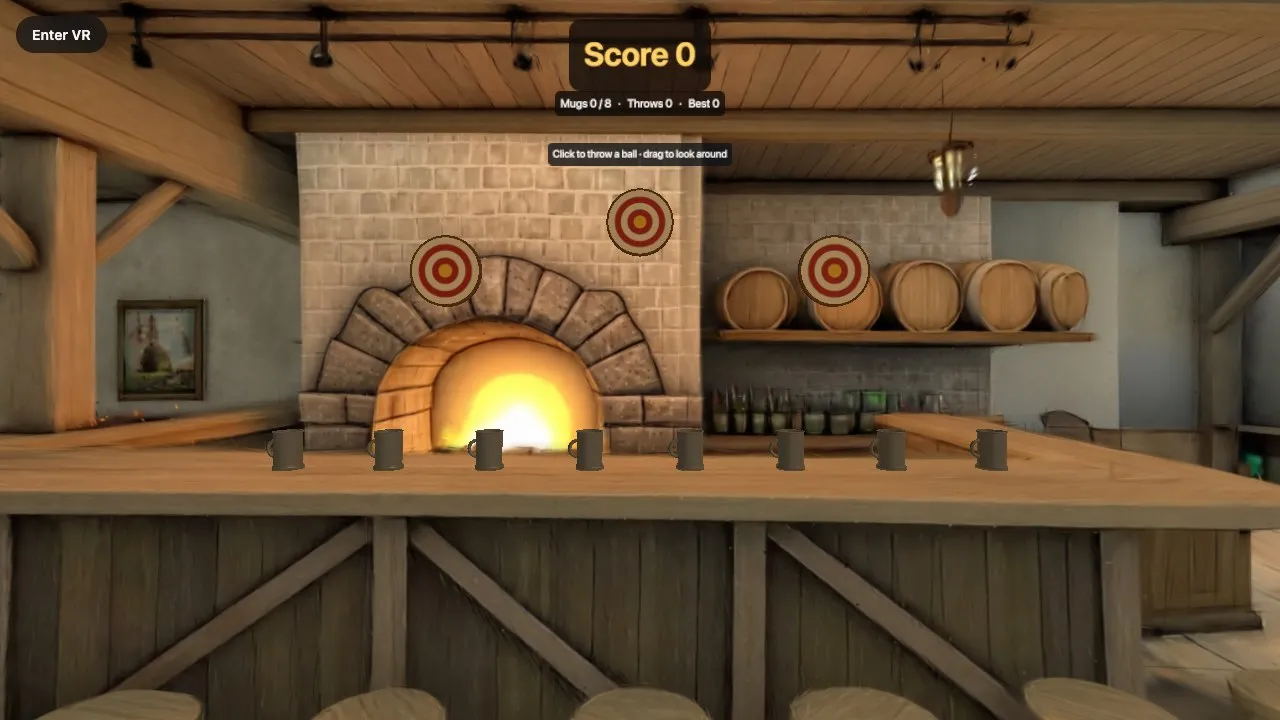
- World Game starts in a tavern with a throwing game: knock the mugs off the bar, ring the targets, keep score. Balls bounce off the room itself.
How to try it
- Create a project from Splat World, World Explorer or World Game.
- Ask for a place. One or two sentences are enough: what kind of place it is, what is in it, the light and the mood.
- Approve the cost. Wait about five minutes.
- Look around in the preview, then in the emulated headset or on a real one.
A world is a still place. Leave people, animals and anything that should move out of the description, and add those as objects afterwards.
Graspable is available for macOS. Windows and Linux are coming soon.
Read more
- Generated worlds and Templates in the documentation
- Spark: the renderer behind our splat templates
- Performance of Gaussian splats in WebXR: what we measured and what we chose
- How our world templates work
Sources
- World API documentation, models and export file specs, World Labs